
Browser voice sessions
Offer a visitor-initiated conversation directly on a compatible website.
VOICE ORB
Give visitors a way to speak with a business’s AI on the page. A voice-enabled widget turns a typed question into a more natural conversation.
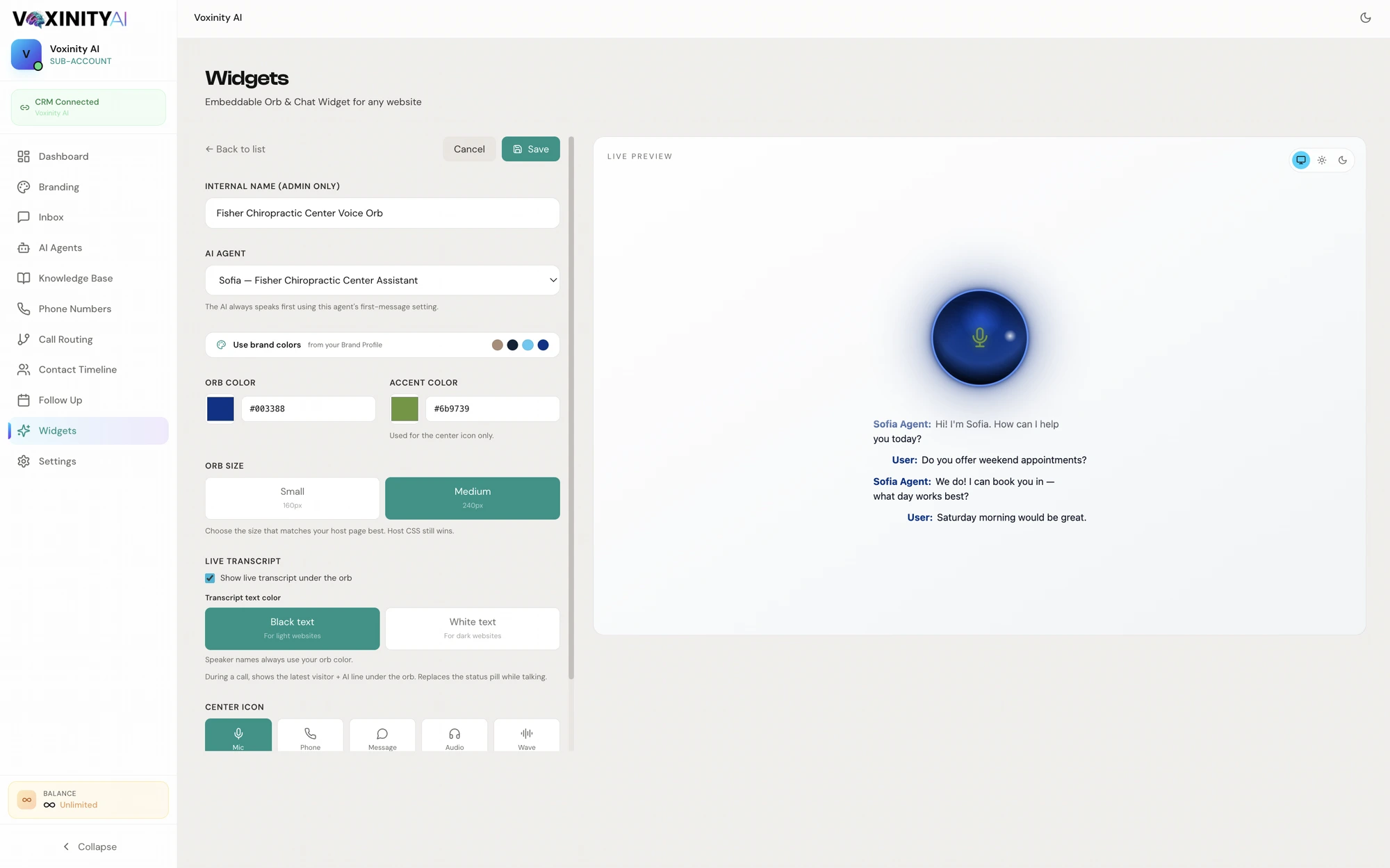
An invitation to speak. Not another form to fill.
Bring the agent’s knowledge into the browser. Let a visitor start a voice session, ask a question and arrange the next step through the tools you configure.
Offer a visitor-initiated conversation directly on a compatible website.
Connect the approved information that should guide the conversation.
Configure widget appearance and positioning for the client’s website.
Collect appropriate details naturally as part of the configured conversation.
Use available appointment tools and configured follow-up actions.
Make your offer tangible with a voice-enabled experience the prospect can explore.
Make it yours. Then make it work.
Voice sessions require browser microphone permission and a supported secure website. Usage is billed according to the voice and model configuration.
Before you get started.
BUILT FOR YOUR NEXT CLIENT
Bring voice orb into your agency’s offer.
Get Started Free