
Brand styling
Set the appearance, greeting and visual treatment to fit your client’s website.
WEB CHAT WIDGET
Add an AI chat experience that knows the business. Answer FAQs, capture contact details and help visitors book with a connected calendar—right where their interest starts.
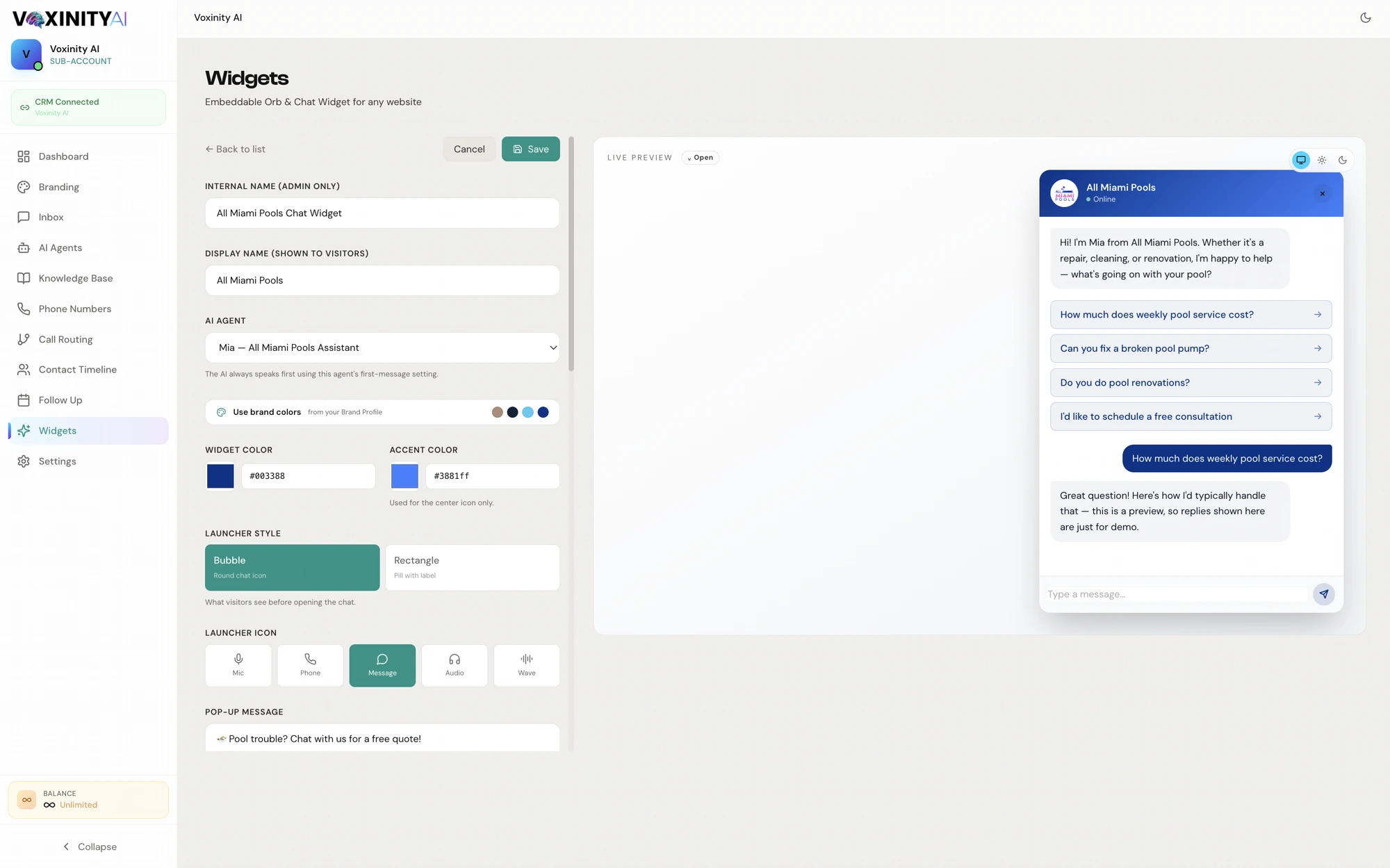
Your client’s website. A conversation that belongs there.
Match the greeting and appearance to the business, connect the right knowledge, and make the next step easy. The agency controls the setup, not a generic chat script.
Set the appearance, greeting and visual treatment to fit your client’s website.
Connect the services, policies and FAQs you want the assistant to reference.
Collect visitor details when appropriate for the configured conversation.
Help visitors find and book available appointments when a calendar is connected.
Use the supplied embed on a compatible website or landing page.
Review chat activity and refine the knowledge and agent configuration over time.
Make it yours. Then make it work.
Website access is needed to install an embed. Booking requires a connected calendar; white-label entitlements depend on your plan.
Before you get started.
BUILT FOR YOUR NEXT CLIENT
Bring web chat widget into your agency’s offer.
Get Started Free